Short answer
Open with a recent, specific event at the company, such as a new hire, a funding round or a product launch. Follow it with one sentence on what that event usually means for a team like theirs. Then make a small ask. The signal proves the email wasn't sent to a list.
On this page
Most cold emails open with a line that could be sent to anyone. Readers notice within a second, and the email gets deleted.
A buying signal fixes that. It is a recent, public event at the account that suggests they may need what you sell. Opening with it shows the email was written for them.
Three parts of a signal-based opening
Each opening has three parts. First, the event, stated plainly, like “Saw you hired your first VP of Sales in September.” Then the implication, one sentence on what that usually means: a new sales leader typically rebuilds pipeline targets in their first 90 days. Last, the ask, small and easy to answer.
| Signal | Implication to name |
|---|---|
| New sales leader | Pipeline targets get reset |
| Funding round | Hiring and growth targets go up |
| Job post for an SDR | Outbound volume is about to matter |
| New market launch | They need accounts and contacts in a new region |
Find signals where companies announce changes
Signals are public because companies want people to see them. Check the same few places for every account on your list.
| Signal | Where to find it |
|---|---|
| Hiring for a role you support | The company careers page, LinkedIn Jobs and job boards |
| New leader in the buyer’s team | LinkedIn job changes and the company’s news page |
| Funding round | Press releases and funding databases |
| Product or market launch | The company blog, changelog and launch posts |
| New tool in their stack | Job posts that name the tool, and technology lookup services |
Job posts are often the most useful. They say what the team is about to do, in the company’s own words, and they stay up long enough to check.
Use a signal only when it connects to what you sell
A signal is a reason to write only if it links to the problem you solve. A funding round is news, but if your product has nothing to do with growth hiring, mentioning it is just a longer way of saying hello.
Ask one question before you use a signal: what does this event usually make harder for a team like theirs, that we fix? If there is no clear answer, pick another signal or leave the account for later.
See the pattern in three examples
Each example below uses the same structure. Swap in your own buyer and offer.
New sales leader. “Saw Priya joined as VP of Sales last month. New sales leaders usually reset pipeline targets in their first quarter, and the list feeding outbound is often the first thing rebuilt. Worth a short call on how other teams have done it?”
Hiring signal. “Noticed you are hiring two SDRs in Austin. Teams adding SDRs often find the bottleneck moves to list quality and inbox setup within a few weeks. Happy to share the checklist we use, if useful.”
Launch signal. “Saw the launch of your UK pricing page. Moving into a new region usually means building an account list from scratch. Would a sample list of 50 UK accounts that fit your current customers help?”
Each one names the event, says what it usually means and makes one small ask. None of them compliments the reader.
Keep it short
Three to five sentences is enough. No compliment, no company history, no list of clients. If the signal is strong, the email doesn’t need to work hard.
Scale signals without losing accuracy
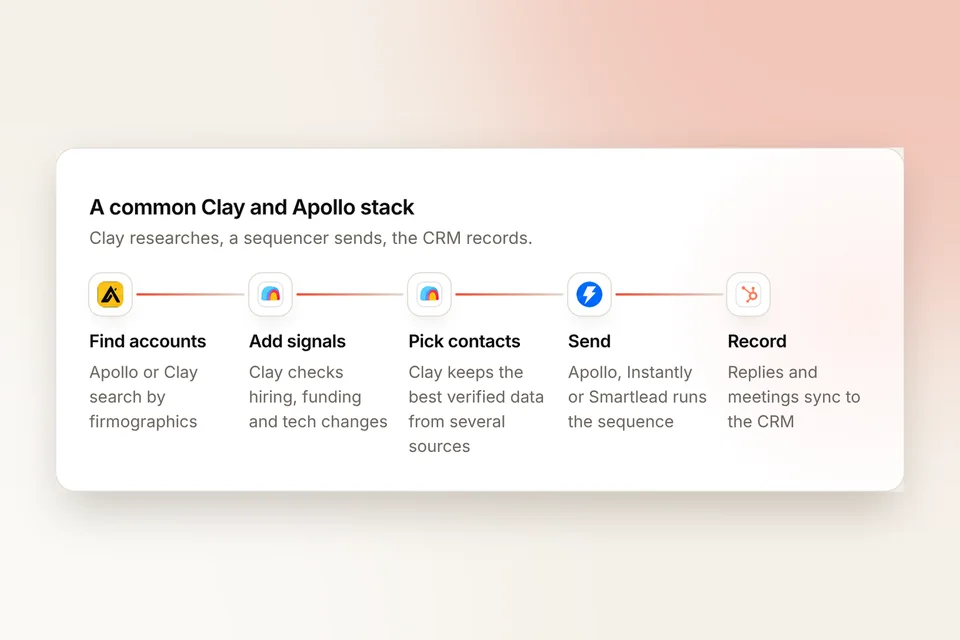
By hand, a good first line takes a few minutes per account. At a few hundred accounts a month, that becomes a system: a tool checks each account for the signal, drafts a line from it and passes the rest to a sequencer. The Clay workflow in the Clay vs Apollo guide is one way to build it.
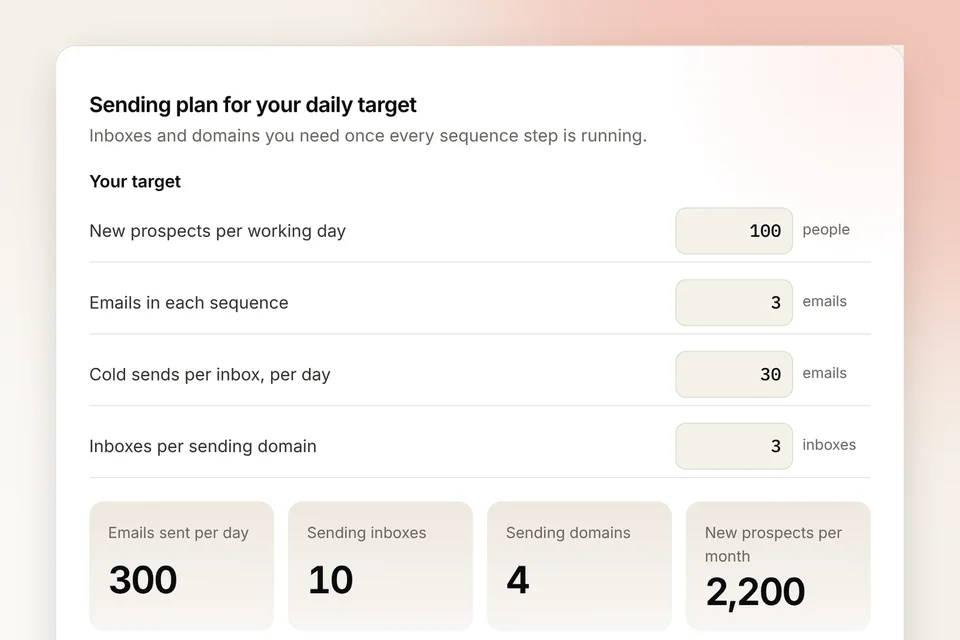
Two checks keep the system honest. Review a sample of drafted lines every week, because a wrong detail about someone’s company costs more than a plain opener. And keep the sending side clean, since even the best line does nothing in a spam folder. The deliverability guide covers the setup.
Avoid the mistakes that make signals backfire
- Using stale news. An event from last year tells the reader your data is old.
- Stacking three signals in one line. One clear reason beats a list of everything you found.
- Guessing at the implication. Say what the event usually means for teams like theirs, not what you assume about them.
- Hiding the ask. End with one question they can answer in a few words.
If you want this built and run for you, the outbound service covers the list, the signals, the copy and the sending setup.
Questions
What counts as a buying signal?
A public, recent event that suggests the company may need what you sell soon: a new sales leader, a funding round, a job post for a role you support, a launch, or expansion into a new market.
Should the first line compliment the prospect?
No. Compliments read as filler. State the event plainly and move straight to what it means for them.
How old can a signal be?
As recent as you can find. A hire or funding round from last month reads as attention; one from last year reads as a mail merge. If the newest signal is old, use a different reason to write or leave the account for later.
Can AI write signal-based first lines?
It can draft them from the signal data, and that saves time at volume. Review a sample by hand before every send. A wrong detail about someone's company does more harm than a generic line.

Founder of Autoniqo. Runs LinkedIn, outbound and AI search for founder-led B2B teams in the US, UK, EU and the Gulf. 405 projects on Upwork at 100% Job Success.