Short answer
Start from your ten best customers and write down what they share: size, industry, region, tools and the event that made them buy. Turn those traits into filters, pull matching accounts, then rank them by recent signals. Email the top tier first and keep the list in your CRM.
On this page
Outbound fails most often before the first email is sent. The list is wrong. Good copy can’t save a message sent to a company that was never going to buy.
Start from your best customers
Write down your ten best customers. For each one, note company size, industry, region, the tools they use and what was happening when they bought. Patterns show up quickly. Those patterns are your filters.
Then look at the other side. List the deals you lost and the customers who left, and note what they had in common. Those traits become exclusions: the company sizes, industries or situations where you keep losing, and should stop prospecting.
Turn traits into filters
| Trait from past wins | Filter to use |
|---|---|
| 20–100 employees | Company headcount range |
| B2B SaaS | Industry and keywords |
| US and UK | Headquarters location |
| Uses HubSpot | Technology used |
| Hiring sales roles | Open job posts |
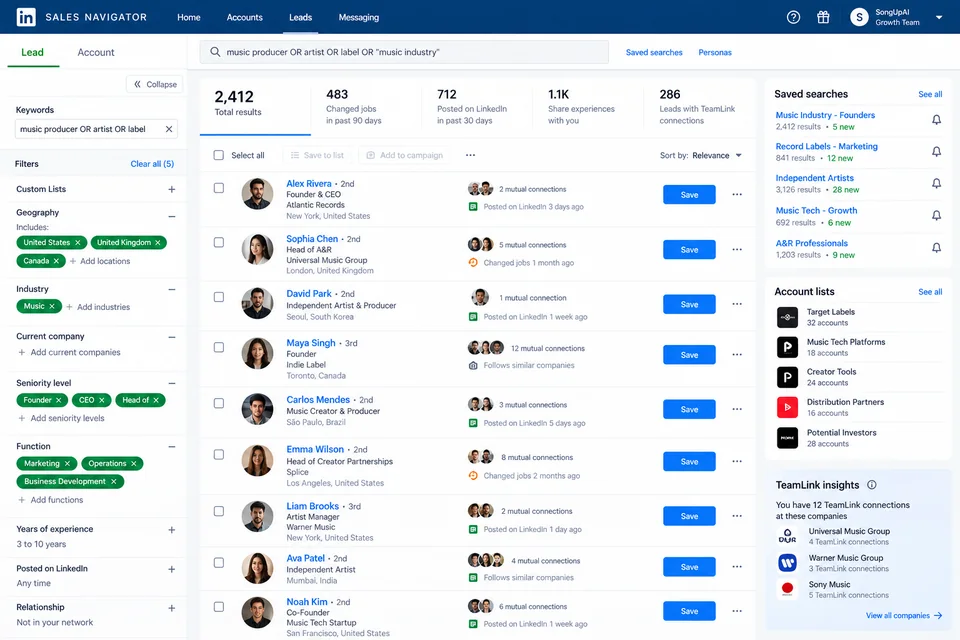
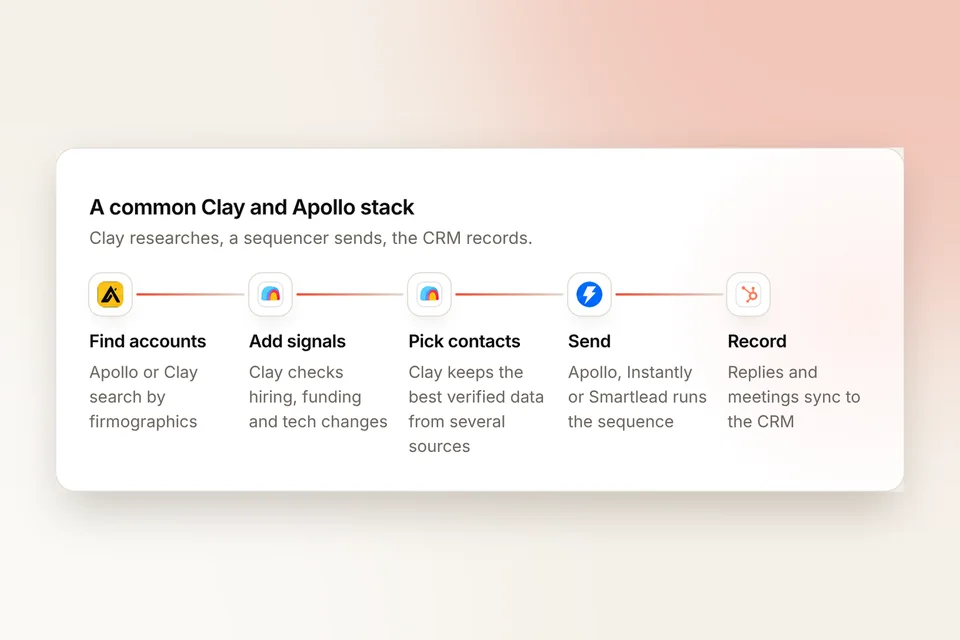
Most teams run these filters in LinkedIn Sales Navigator or Apollo, then enrich the results with contact data. When the filter you need does not exist, such as “launched a product in the last 60 days”, a research tool like Clay can check each account one by one. The Clay vs Apollo guide covers which to use when.
Size the list to what your team can work properly
A list is the right size when your team can research, contact and follow up with every account on it within a quarter, without lowering the bar to fill the time. For most founder-led teams that is a few hundred accounts, not thousands.
Split it into tiers so effort goes where it pays:
- Tier 1: the best fit with a recent signal. Research each account and write each email by hand.
- Tier 2: strong fit, no signal yet. Use a short sequence with a personal first line.
- Tier 3: reasonable fit. Keep them in the CRM and move them up when a signal appears.
Pick two or three people at each account
Accounts do not reply; people do. For each account, find the person who owns the problem you solve, the person who approves the spend, and, when it helps, someone who deals with the problem every day.
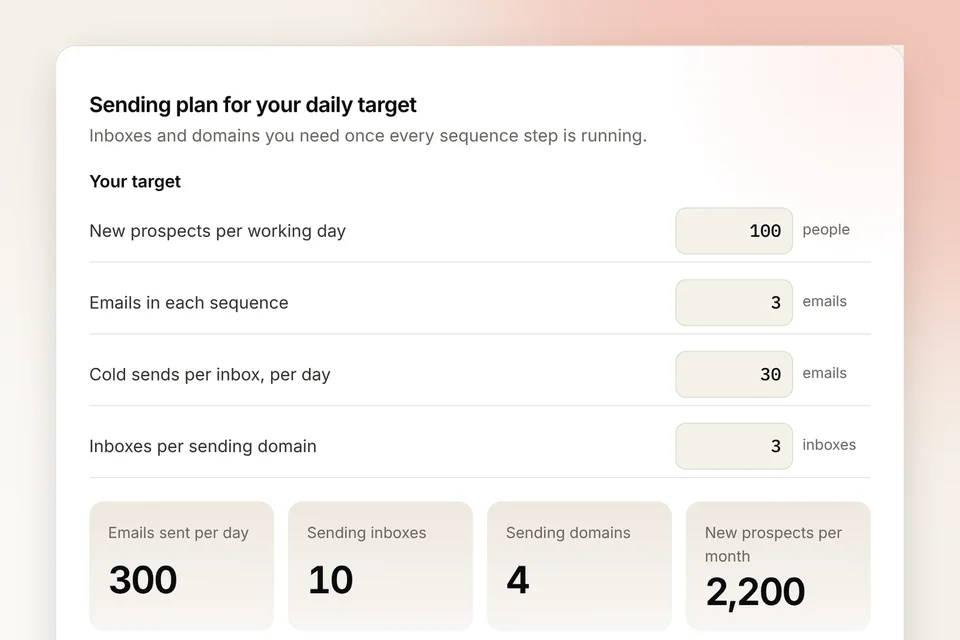
Verify every email address before it goes into a sequence. Unverified addresses bounce, and bounces damage the sending domains every future email depends on. The deliverability guide explains the limits that matter.
Rank by signals, not just fit
Fit tells you who could buy. Signals tell you who might buy soon. Rank matching accounts by recent events, such as funding, new leaders or relevant job posts. Work the top tier first, and keep the whole list in your CRM so nothing gets contacted twice.
Keep the list in the CRM, not in a spreadsheet
A spreadsheet list goes stale the week it is built. Store accounts and contacts in the CRM with an owner, a tier and the signal that put them there. Add exclusion lists for current customers, open deals and competitors, so no one emails a customer by mistake.
Review the list once a month. Remove accounts that bought, opened a deal or no longer fit. Re-rank the rest by the newest signals, and add new accounts that match the filters.
Avoid the mistakes that waste a good list
- Starting from a database instead of your customers. Filters copied from someone else’s ideal customer bring someone else’s buyers.
- Buying volume. Thousands of loose accounts spread effort thin and raise bounce and spam rates.
- One contact per account. If that person ignores you, the account goes quiet for good.
- Never pruning. A list that only grows ends up full of accounts that already said no.
If you want the list and the outreach built for you, the outbound service starts with exactly this work.
Questions
How many accounts should be on the list?
Enough to fill a quarter of outreach for your team without lowering the bar. For most founder-led teams, a few hundred well-matched accounts beat thousands of loose ones.
Which tools help build the list?
LinkedIn Sales Navigator for filtering companies and people, an enrichment tool such as Clay or Apollo for contact data, and your CRM to store the list and track activity.
How many contacts should I add per account?
Two or three: the person who owns the problem, the person who signs, and sometimes a day-to-day user. One contact per account leaves the deal to chance if that person ignores you or leaves.
How often should the list be refreshed?
Review it monthly. Remove accounts that became customers, opened a deal or stopped fitting, and re-rank the rest by the newest signals.

Founder of Autoniqo. Runs LinkedIn, outbound and AI search for founder-led B2B teams in the US, UK, EU and the Gulf. 405 projects on Upwork at 100% Job Success.